



You've been assigned to plan a 300-person conference in Toronto. You have six months, a modest budget, and a mandate to "make it memorable." Where do you start?
Most planners stumble at the start: They pick a venue, book speakers, hire vendors—then realize halfway through they don't have clarity on what success looks like. Budget overruns, conflicting vendor timelines, and day-of surprises cascade.
This guide builds a framework: Define objectives upfront. Create a planning timeline. Evaluate venues methodically. Coordinate vendors via clear processes. Execute with precision. Measure results with rigor.
The result is an event that meets (or exceeds) goals, stays on budget, and generates measurable value.
Setting Objectives and KPIs
Before you pick a venue or hire a vendor, answer: Why are we doing this event?
For planners managing corporate event production Toronto projects, this guide covers every phase from initial concept through final reporting. The same framework applies to corporate event production Canada-wide, with adjustments for venue regulations and regional logistics. When building your vendor shortlist, prioritize event production Toronto companies with proven project management systems and audio visual GTA coverage that extends beyond the city core into surrounding regions including Mississauga, Markham, and Hamilton.
Vague answer: "To bring people together."
Specific answer: "To generate 50 qualified sales leads, maintain executive relationships with top 30 clients, and produce video content that demonstrates product value for our Q2 marketing campaign."
Objective Categories
Business development: Sales leads, pipeline influence, competitive differentiation. Measure: Number of qualified prospects engaged, conversion rate to meetings.
Brand building: Thought leadership, market positioning, media coverage. Measure: Attendee sentiment, social media impressions, media mentions, speaker platform reach.
Internal alignment: Employee engagement, culture building, strategy communication. Measure: Employee satisfaction, content consumption (recordings), action item completion.
Product/service launch: Market awareness, customer education, adoption catalyst. Measure: Product awareness lift (pre/post survey), trial adoption, media coverage.
Relationship maintenance: Client appreciation, executive networking, community building. Measure: Attendee satisfaction, relationship deepening (survey on connection quality), repeat attendance.
KPI Definition
KPIs are key performance indicators—the metrics that define success.
Quantitative KPIs: - Attendance: Target 250 attendees. Measure: Sign-ups, actual attendance, no-show rate. - Lead quality: Generate 30 qualified leads. Measure: Lead score, follow-up conversion rate (how many become sales meetings?). - Engagement: Strong attendee participation in activities. Measure: Poll responses, Q&A participation, social media posts. - Content value: Webinar generates 1,000+ views in 30 days. Measure: YouTube/LinkedIn analytics. - Satisfaction: NPS (Net Promoter Score) of 50+. Measure: Post-event survey.
Qualitative KPIs: - Thought leadership positioning: Brand perception as industry authority. Measure: Survey questions on credibility, expert status. - Relationship quality: Deeper client connections. Measure: Post-event feedback on relationship, willingness to commit to future engagement. - Internal alignment: Staff understanding of strategy. Measure: Employee survey on clarity and buy-in.
Align Budget to Objectives
Once objectives are set, budget allocation becomes clear.
Example 1: Sales-focused event - Objective: 50 qualified leads - Budget allocation: 40% speaker/content (credibility), 30% venue/catering (comfort, networking space), 20% AV/streaming (content capture for post-event nurture), 10% contingency - Rationale: Quality content attracts right attendees. Comfort encourages networking. Post-event content extends ROI.
Example 2: Internal alignment event - Objective: Employee engagement and strategy buy-in - Budget allocation: 30% speaker/facilitator (clarity and inspiration), 40% experience/activities (engagement, small group discussion), 20% catering (comfort), 10% recording/documentation - Rationale: Experience matters. Interactive sessions beat lecture. Food and comfort enable engagement.
Example 3: Product launch - Objective: Market awareness, product trial adoption - Budget allocation: 20% content (product positioning), 40% AV/staging/visual impact (wow factor), 20% catering and networking, 20% post-event content/amplification - Rationale: Visual impact drives media coverage and social sharing. Post-event content extends reach.
Building Your Planning Timeline
Work backward from event date.
6-Month Timeline (Large Conference)
Month 6 (Months before event)
- Week 1-2: Define event objectives, confirm budget, identify organizers and decision-makers.
- Week 3-4: Research and site-visit venues (3-5 options). Request site plans, catering menus, technical specs. Identify top 2 finalists.
- Week 4: Book venue (requires signed contract, deposit, hold on date).
Month 5
- Week 1-2: Issue RFP to AV/production vendors. List technical requirements, timeline, budget range.
- Week 3: Review AV proposals. Conduct calls with top 2 vendors. Negotiate contract and pricing.
- Week 4: Sign AV contract.
Month 4
- Week 1-2: Finalize speaker lineup. Confirm dates/times with all speakers.
- Week 3: Issue RFP for catering, decor, entertainment, other vendors.
- Week 4: Review proposals, book remaining vendors.
Month 3
- Week 1-2: Finalize event program. Create detailed agenda with speaker bios, timing, transitions.
- Week 3: Launch registration page. Begin speaker and attendee marketing.
- Week 4: Confirm AV technical specifications with production vendor. Schedule pre-event conference call.
Month 2
- Week 1-2: Monitor registration, send reminder campaigns.
- Week 3: Conduct pre-event technical walkthrough with venue and AV vendor (if possible; if not, detailed video call).
- Week 4: Brief all staff, speakers, and volunteers on run-of-show, timings, cues.
Month 1
- Week 1: Final registration close. Final attendee count to catering.
- Week 2-3: Confirm all speaker content (slides, video clips, presentation files). Test all AV content paths.
- Week 4: Dry-run of program with AV crew if possible. Final contingency planning.
Week of event
- Monday-Wednesday: AV setup begins, content testing, speaker rehearsal.
- Thursday (evening): Final tech rehearsal with all elements.
- Friday (event day): Early arrival, final sound checks, doors open, event execution.
3-Month Timeline (Medium Event)
Compress activities. Key milestones remain: - Month 3: Venue + AV vendor booked. - Month 2: Catering, speakers, program finalized. - Month 1: Marketing ramped, content confirmed, tech specs finalized. - Week of event: Setup, rehearsal, execution.
Contingency Buffer
Build 2-3 weeks of buffer into critical-path items. Speaker cancels? You need time to find replacement. Venue loses power during setup? You need AV backup plans. Assume things will go wrong; build planning timeline with slack.
Venue Selection and AV Assessment in Toronto
Venue choice shapes everything: budget, attendee experience, technical capabilities, vendor options.
Key Venue Criteria
Capacity and layout: - Theater-style (all facing stage): Max capacity for same footprint, intimate feel less. Good for presentations, panels. - Classroom-style (tables, chairs): Comfortable for all-day events with note-taking. Takes 30% more space. - Banquet-style (round tables): Networking-friendly. Less suitable for presentation focus. - Hybrid (theater + standing room + networking area): Flexible, good for larger events.
Confirm: Can layout accommodate expected attendees and AV setup (sight lines to screen, space for cameras, audio speaker placement)?
Technical capabilities:
Power: - Venue's electrical panel capacity? Most event spaces offer 100-200 amps. Large AV setups need 100+ amps. Confirm available circuits and panel location. - Can they run additional circuits if needed? Cost to add? Timeline? - Backup power? Generator available? Cost?
Internet: - Upload/download bandwidth? Test it before committing. Require minimum 10 Mbps upload for streaming. - Dedicated line or shared wifi? Dedicated ethernet run to AV control room is ideal. - Redundant connection available (cellular backup)? For streaming events, critical.
Acoustics: - Room reverb? Hard surfaces = echo, poor for audio. Confirm whether draping/panels are included or added cost. - Background noise? HVAC systems, street noise, adjacent spaces? - Speaker placement options? Do you control where they stand, or is it fixed?
Load-in and logistics: - Loading dock? Ground-floor access? Elevator dimensions? If rigging needed, can ceiling support weight? - Setup time available? Can crew begin Friday afternoon for Friday evening event? - Parking for rental trucks and crew vehicles? Accessible? Secure overnight?
Catering and AV separation: - Are catering and AV infrastructure separate? If one vendor controls both, less flexibility. If independent, you can optimize each. - Kitchen capacity? Can they handle volume and dietary accommodates?
AV-Specific Venue Evaluation
Request the following from venue before booking:
-
Site plan with dimensions (scale drawing, ideally to-scale, showing stage/screen placement, audience seating, electrical panel location).
-
Lighting existing infrastructure: - House lights (dimmable or fixed)? - Existing theatrical lighting rig? Specs? - Can you rig additional lighting? Ceiling load limits?
-
Audio infrastructure: - Existing PA system? Quality? Who manages? - Microphone input locations? How many? - Can AV vendor run separate audio system if needed?
-
Video projection/display: - Existing screens/projectors? Size, resolution? - Can you use your own? Or must you use venue's (and rent their back-up)? - Screen placement? Sight lines from back of room?
-
Rigging and structural: - Can you hang truss from ceiling? Ceiling type (drywall, concrete, open)? - Weight limits? Load capacity per anchor point? - Rigging hardware provided by venue or bring your own?
-
Network/IT: - Ethernet ports near stage and AV control room? - Wifi password? Bandwidth tested? - IT contact for day-of troubleshooting? Are they available during event?
Toronto Venue Ecosystem
Toronto has three tiers of event venues:
Premium/branded (Ritz, InterContinental, Fairmont): Full-service room rental with built-in catering and AV. Limited flexibility, higher cost, professional infrastructure. Suitable for high-profile events, executive galas, corporate events where venue brand matters.
Mid-market (event spaces, lofts, museums): Negotiable AV and catering partnerships. More flexibility, good technical infrastructure in newer spaces. Suitable for conferences, product launches, client events.
Boutique/unconventional (galleries, warehouses, outdoor): Minimal built-in AV. Maximum flexibility, requires external AV support. Suitable for creative events, brand activations, smaller gatherings.
Venue assessment: Visit at least 3 options in person. Bring venue assessment checklist (see above). Test internet speed, check sight lines, evaluate load-in, understand cost drivers.
Vendor Coordination
You're now coordinating multiple vendors: AV, catering, decor, entertainment, production, etc.
Vendor Roles and Responsibilities
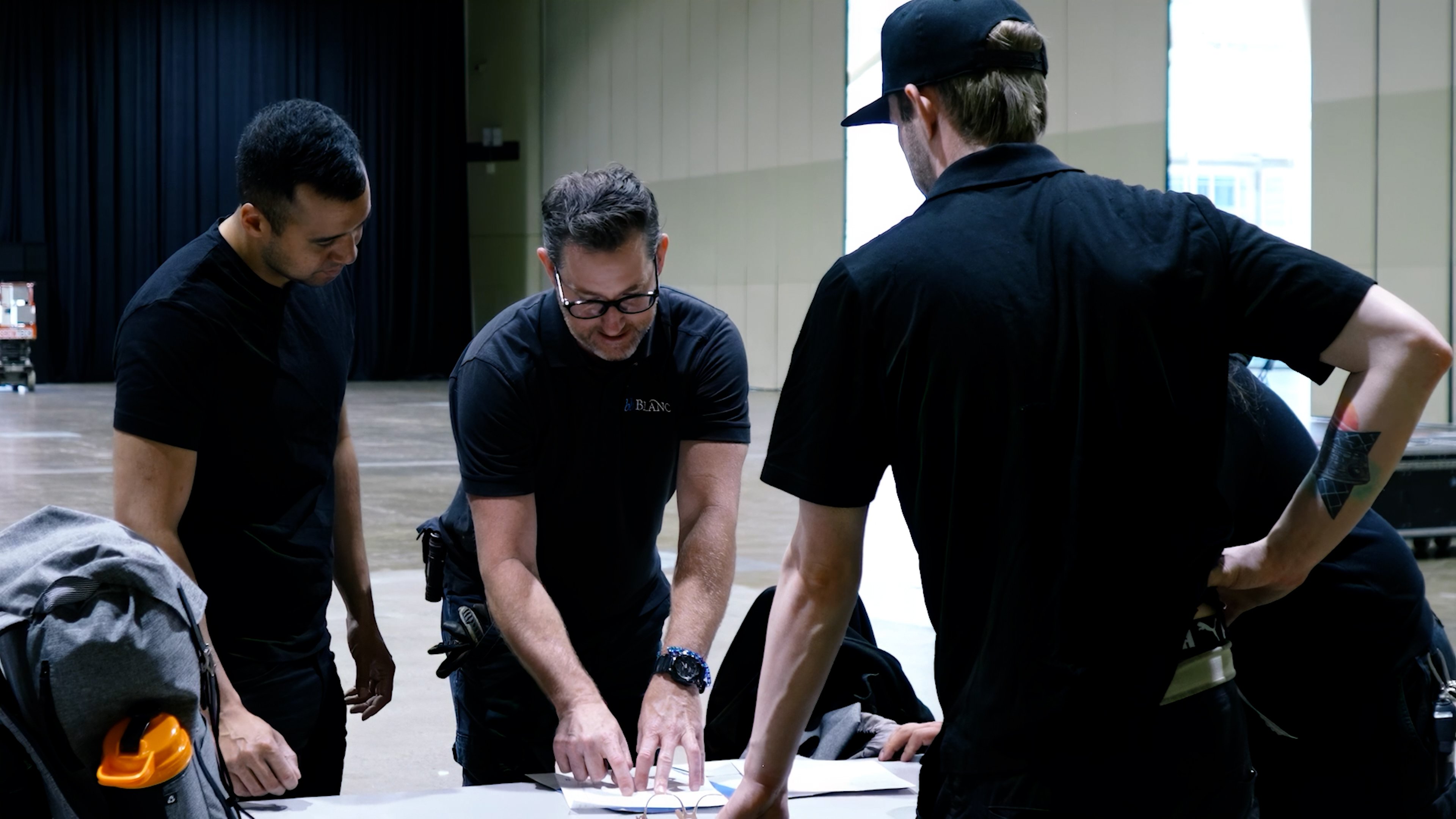
Primary coordinator (usually you): - Master timeline and dependencies. - Owns communication with all vendors. - Escalates conflicts and issues. - Ensures all vendors have what they need (site plan, attendee count, room access, parking, etc.).
AV/production vendor: - Technical design and equipment specification. - Equipment rental/procurement. - Crew recruitment and scheduling. - Setup and breakdown. - Day-of technical operation. - Post-event content delivery.
Catering vendor: - Menu planning. - Food preparation and service. - Bar service and beverage. - Setup, breakdown, waste management.
Venue: - Space and infrastructure. - Parking, loading dock access. - IT support (during event). - Housekeeping and general facilities.
Decor/floral (if applicable): - Entrance decor. - Stage backdrop and branding. - Table centerpieces. - Ambient design.
Dependency Mapping
Some tasks depend on others. Identify dependencies to avoid bottlenecks:
- Venue selected → AV design (AV vendor needs site plan and power/internet specs).
- AV design → Budget confirmation (design determines cost).
- AV design + catering + decor → Setup timeline (all vendors need to know their setup windows).
- Speaker content → AV testing (content must be tested on AV system before event day).
- Final attendee count → Catering and seating (finalize count, adjust catering, finalize seating).
Create a dependency map (even simple: "Task X blocks Task Y") and share it with all vendors. This prevents surprises.
Communication Cadence
Months 4-3: Weekly vendor check-ins (reviews progress, addresses issues).
Month 2: Bi-weekly check-ins (setup details finalize, timelines confirmed).
Month 1: Weekly check-ins (content confirmed, contingencies reviewed).
2 weeks before: Pre-event conference call with all vendors together. This is critical—everyone hears timelines, dependencies, and escalation points.
Week before: Final confirmation call. Day-of contact info, emergency procedures, last-minute changes.
Day before/day of: Open communication (phone/text available for rapid problem-solving).
Vendor Contracts
Every vendor should have a signed contract covering: - Scope of work (what they're delivering). - Dates, times, and cancellation terms. - Cost and payment terms (deposit, balance, payment method). - Insurance requirements (if applicable). - Liability and damage responsibility. - Contingency procedures (what happens if they can't perform).
Don't start vendor work without a signed agreement. This protects both parties.
RFP Process for AV Partners
AV vendor selection is critical. Here's how to run a competitive RFP (Request for Proposal) that yields good options.
RFP Content
1. Event overview: - Event name, date, location. - Audience size, event duration, program structure. - Event goals and objectives (so vendor understands context).
2. Technical requirements: - Number of cameras and framing needs (theater-style wide shot, close-up, multi-camera?). - Audio needs (wireless mics, ambient audio, monitor mix?). - Video production (vision mixing, graphics, streaming?). - Lighting design (ambient, accent, stage wash?). - Live streaming requirements (platform, bitrate, interactive elements?). - Recording and post-event content (local recording, highlights, transcript?).
3. Deliverables: - Equipment list and specifications. - Crew positions and hours. - Technical support and contingency procedures. - Post-event deliverables (video files, edits, content). - Insurance and liability coverage.
4. Timeline: - Setup windows (when can crew access venue?). - Rehearsal times (when can AV be tested with speakers/content?). - Breakdown schedule (when must everything be struck?).
5. Budget: - Budget range (e.g., approximate budget for AV + crew). - What's included vs. extra cost (streaming add-on?, second camera add-on?). - Payment terms (deposit, balance due date).
6. Evaluation criteria: - Be explicit about how you'll evaluate proposals. - Example: 30% technical fit, 30% crew experience, 25% cost, 15% references and portfolio.
Vendor Selection Process
Week 1: Send RFP to 3-4 AV vendors (in Toronto, major vendors include bb Blanc, Prologue Event Tech, Maverick AV, and others. Set deadline 10 days out.
Week 2: Receive proposals. Review and score on your criteria. Identify top 2 vendors.
Week 2-3: Schedule calls with top 2 vendors. Ask: - Walk me through your technical approach and why you chose this over alternatives. - Tell me about a similar event you've done. What went well? What would you do differently? - If X goes wrong (camera fails, internet drops), what's your contingency? - What's included vs. not included in your proposal? Any hidden costs? - Can you provide references from similar events?
Week 3-4: Reference calls. Talk to their previous clients.
Week 4: Make decision. Negotiate final terms if needed. Sign contract.
Red Flags in Vendor Proposals
- Vague technical description: "We'll provide professional AV." What does that mean? Require specifics.
- No contingency plan: If something fails, what's the backup? No answer = inexperienced vendor.
- Unusually low cost: If one vendor's proposal is significantly lower than others, ask why. Missing scope? Inexperienced team?
- No references or portfolio: You need to verify they've done similar work.
- Unclear about crew: Are they hiring dedicated crew for your event, or last-minute contractors? Dedicated is better.
- No post-event plan: How will you get recordings? How long to edit? No clarity = friction after event.
Day-of Execution and Show Calling
Setup is done. Content is tested. Speakers are rehearsed. Now the event runs.
Pre-Event (Morning)
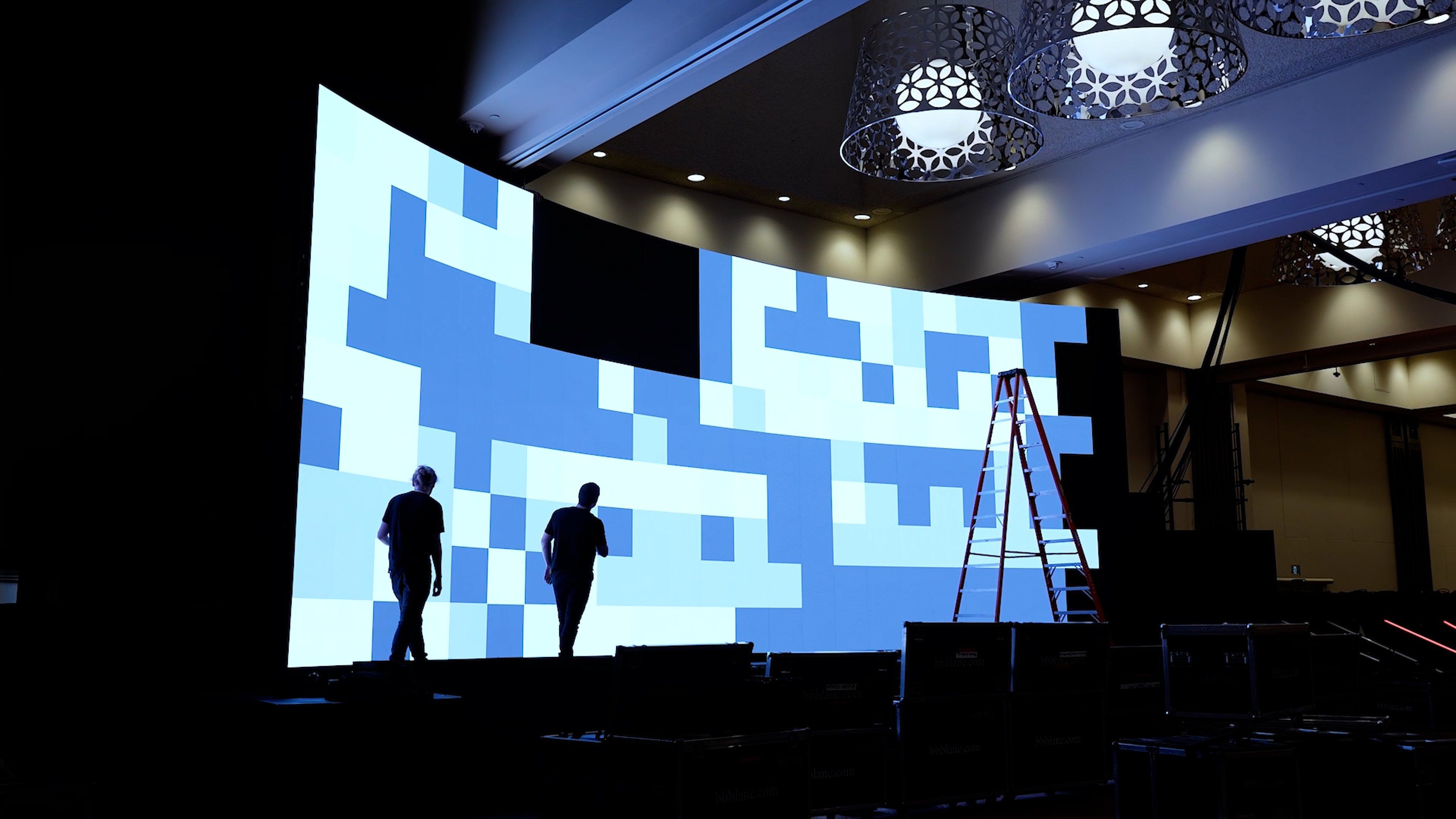
AV crew arrives: 3-4 hours before doors open. - Final system tests (all cameras, audio, video, streaming). - Speakers do final mic check, confirm comfort with audio levels. - Walk-through of program with all crew (presenter/speaker positions, cue points, timing).
Attendee flow: - Check-in/registration station operational. - Directional signage clear. - Restrooms, refreshment areas, coat check operational.
Contingency briefing: - Crew reviews: If X fails, we do Y. Quick decision-making, no panic. - Everyone knows chain of command (who makes calls if issues arise).
During Event: Show Calling
Show caller (usually AV producer or director) manages the event in real time:
-
Timing: Keeps program on schedule. "Speaker A is running 2 minutes over; cut Q&A short." Communicates to speaker, crew, and stage manager.
-
Camera cues: "Camera 1 wides for next speaker intro." "Cut to Camera 2 close-up when they pause."
-
Audio cues: "Raise ambient mic during applause." "Mute lavalier during video playback." "Check monitor mix for remote speaker."
-
Graphics and lower-thirds: "Bring up speaker name and title on lower third." "Display poll results for 20 seconds."
-
Audience management: Watches engagement, flags issues. "Audience energy dipping; announce break 5 minutes early to refresh."
-
Stream/recording monitoring: Confirms stream is live (if streaming), bitrate is stable, recording is capturing properly.
-
Rapid problem-solving: Audio feedback? Mute and find source. Camera out of focus? Refocus or switch cameras. Speaker going over time? Signal them gently.
Show caller requires: - Experience and calm under pressure. - Clear communication with crew (headsets/intercom). - Knowledge of program and timing. - Authority to make real-time decisions.
Crew Headset Communication
Professional events use closed-circuit headset system (Intercom, Clearcom, or wireless equivalent). Crew connected via headsets:
Channels: - Channel 1 (all-call): General announcements, start/stop cues, emergencies. Everyone listens. - Channel 2 (AV team): Camera, audio, video, lighting team coordinates technical details. - Channel 3 (stage management): Speaker cues, talent communication, timing.
Discipline: Only relevant people talk on relevant channels. Reduces noise, prevents confusion.
Handling Live Issues
Audio feedback (hum/buzz): - Quick diagnosis: Mute suspect mic. If feedback stops, it's that mic. Mute it, find the problem (often ground loop), fix or go without. - Buy time: Switch to backup mic if available.
Camera out of focus: - Reframe to in-focus shot (another camera, wider angle). - Or: Camera operator refocuses quickly and cuts back.
Streaming connection drops: - Failover to secondary connection (cellular backup). - If both down: Continue event on-site, inform remote viewers of outage, restart stream when connection restored. - Have local recording as backup.
Speaker running overtime: - Gentle signal: Hold up timer card showing "5 min left." - Final warning: Walk stage and make eye contact, point to watch. - If critical: Producer/show caller may cut speaker off gently (rare, but happens in broadcast situations).
Attendee behavior issue: - Heckler, disruption, or emergency medical: Stage manager or security handles. AV crew maintains content flow.
Contingency Plans
Document ahead of time:
- If primary encoder fails: Switch to backup encoder (if rented) or laptop software encoder with secondary internet connection.
- If camera fails: Use remaining cameras, widen shots, or record presenter from fixed angle.
- If internet dies: Continue event on-site (if hybrid), inform remote viewers, restart stream when connection restored.
- If speaker no-shows: Have backup (pre-recorded message, colleague steps in, or adjust agenda).
- If audience member injury/emergency: Have first aid on-site, known procedure to pause/resume event.
Post-Event Reporting and Content Capture
Event ends. Your job isn't finished—now you measure results and capture value.
Content Delivery
Within 48 hours of event, AV vendor should deliver:
- Raw recordings: Full event captured locally (typically ProRes or DNxHD video codec for editing-quality).
- Streaming archive: VOD link if streaming to platform.
- Photo set: Candid photos of speakers, audience, networking (if photographer hired).
Within 1-2 weeks:
- Edited highlights: 3-5 minute highlight reel suitable for social media and follow-up marketing.
- Speaker soundbites: 15-30 second clips of key moments (isolated speaker quotes, memorable statements).
- Transcript: Full transcript of event (auto-generated from captions if live-streamed, or manual transcription).
Post-Event Surveys and Feedback
Send survey within 24 hours while event is fresh.
Quantitative metrics: - Overall satisfaction (1-10 scale). - NPS (Net Promoter Score): "How likely are you to recommend this event to a colleague?" - Recommend specific sessions (1-5, which ones did you attend, how would you rate each?). - Content quality (1-5). - Speaker effectiveness (1-5 per speaker). - Logistics and catering (1-5).
Qualitative feedback: - What was most valuable? - What could we improve? - Which speaker or topic most resonated? - Would you attend another event like this?
Optional: Engagement surveys (for business dev events), sales-based questions (for lead-generation events).
Response rate target: 30-40% for typical corporate event. Higher if you incentivize (drawing for prize from responders).
Content Amplification
Post-event, use content across channels:
- Email: Highlights, key takeaways, attendee photos to all registrants.
- Website: Blog post summarizing key insights, links to full recording and speaker bios.
- Social media: Speaker soundbites (clips) on LinkedIn, TikTok, Instagram. Use event hashtag. Tag speakers and sponsors.
- Sales follow-up: Send relevant content to leads gathered during event (e.g., send product demo video to people who visited sponsor booth).
- Email nurture: Segment attendees and non-attendees. Nurture non-attendees with highlights to drive event awareness for next year.
ROI Measurement and Reporting
Create a post-event report (within 1-2 weeks) that measures against KPIs defined at start.
Example report structure:
Executive summary (1 page): Event date, attendance, objectives, key results.
Attendance metrics: - Registered: 400, Attended: 320 (80% conversion). - Breakdown: 60% clients, 25% prospects, 15% internal staff. - Source: Direct email 45%, social media 30%, partner referral 25%.
Engagement metrics: - Average session attendance: 85% (in-venue), 70% (remote viewers). - Poll participation: 65%. - Q&A questions submitted: 47. - Chat messages: 200+. - Social media mentions: 150+ posts, 3,000+ impressions.
Business results: - Leads generated: 25 qualified (vs target of 30). 83% hit rate. - Sales meetings booked: 8 (from leads). - Expected pipeline value: [calculated based on average deal size].
Content metrics: - Recording views (first 30 days): 1,200 (platform) + 400 (website) = 1,600 total. - Highlight video shares: 45 shares, 2,000 views. - Transcript used for: SEO blog post, speaker bio updates, email follow-up.
Attendee sentiment: - NPS: 55 (industry benchmark: 40-50, so strong). - Satisfaction (1-10): 8.2 average. - Would attend future event: 92% yes. - Most valuable: Speaker A (mentioned 34 times), topic X (mentioned 28 times).
Budget and ROI: - Event cost: [comprehensive breakdown of venue, AV, catering, production costs]. - Revenue attributed: [calculated based on attributed pipeline]. - ROI: [calculated as revenue / event cost]. - Cost per lead: [calculated by dividing total event cost by qualified leads generated].
Learnings and recommendations for next event: - What worked: Extended Q&A, roundtable discussions, casual networking time. - What fell flat: Overly long keynotes (attendees tuned out after 45 min). - Recommendations: Shorter keynotes, more interactive sessions, extend networking to second day.
This report becomes your evidence of success (or areas to improve). It informs next year's planning.
FAQ
Next Steps
Corporate event planning in Toronto is both science and art: scientific in the planning process (objectives, timeline, vendor coordination), artistic in the execution (speaker delivery, audience engagement, surprise moments). Production companies like bb Blanc combine both—bringing methodical planning to creative execution.
This framework removes the chaos. Define what success looks like. Build a timeline. Manage vendors through clear communication. Execute with contingencies. Measure rigorously.
The events that deliver lasting value aren't the most expensive or most elaborate. They're the ones where planning was thorough, intent was clear, and execution was disciplined.
Related resources: - Audiovisual Production - Technical Management Services - How to Plan Audio Visual for Corporate Conferences in Toronto - Event Production Company Toronto: How to Choose a Partner
